

 Bimmergroup Belgium
  Bimmergroup Deutschland
  Bimmergroup Eesti
  Bimmergroup España
  Bimmergroup France
  Bimmergroup Hrvatska
  Bimmergroup Ireland
  Bimmergroup Italia
  Bimmergroup Latvija
  Bimmergroup Lëtzebuerg
  Bimmergroup Lietuva
  Bimmergroup Malta
  Bimmergroup Nederland
  Bimmergroup Österreich
  Bimmergroup Portugal
  Bimmergroup Slovenija
  Bimmergroup Slovensko
  Bimmergroup Suomi
  Bimmergroup Ελλάδα
  Bimmergroup Κύπρος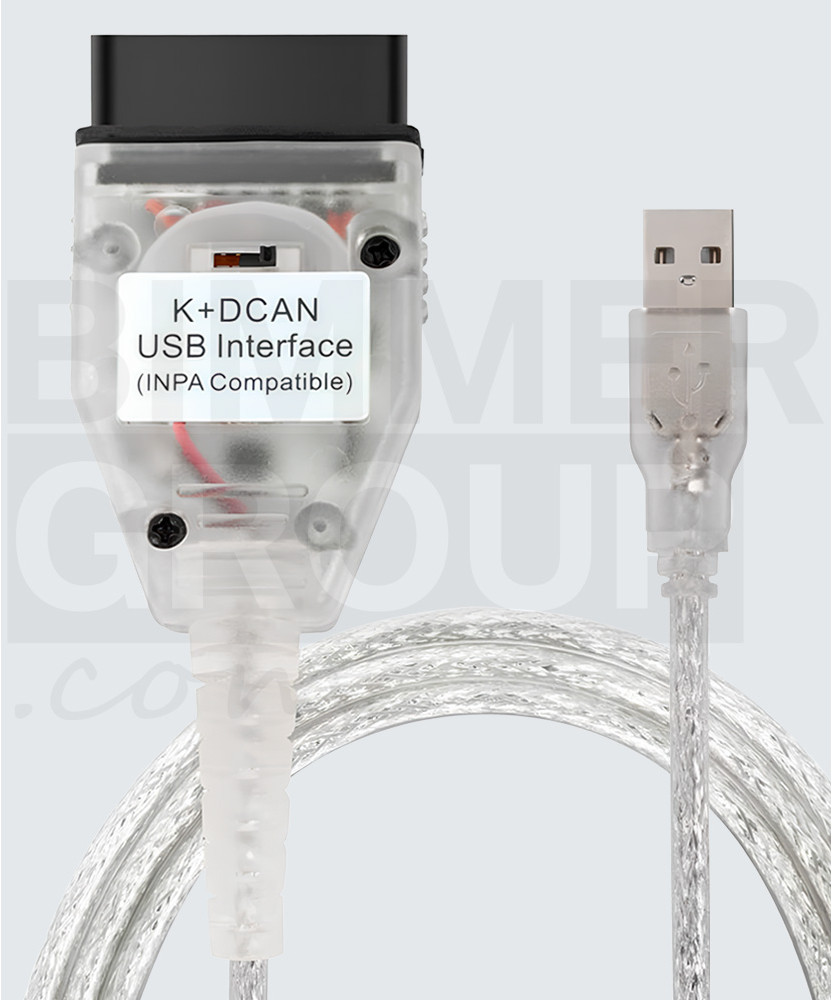
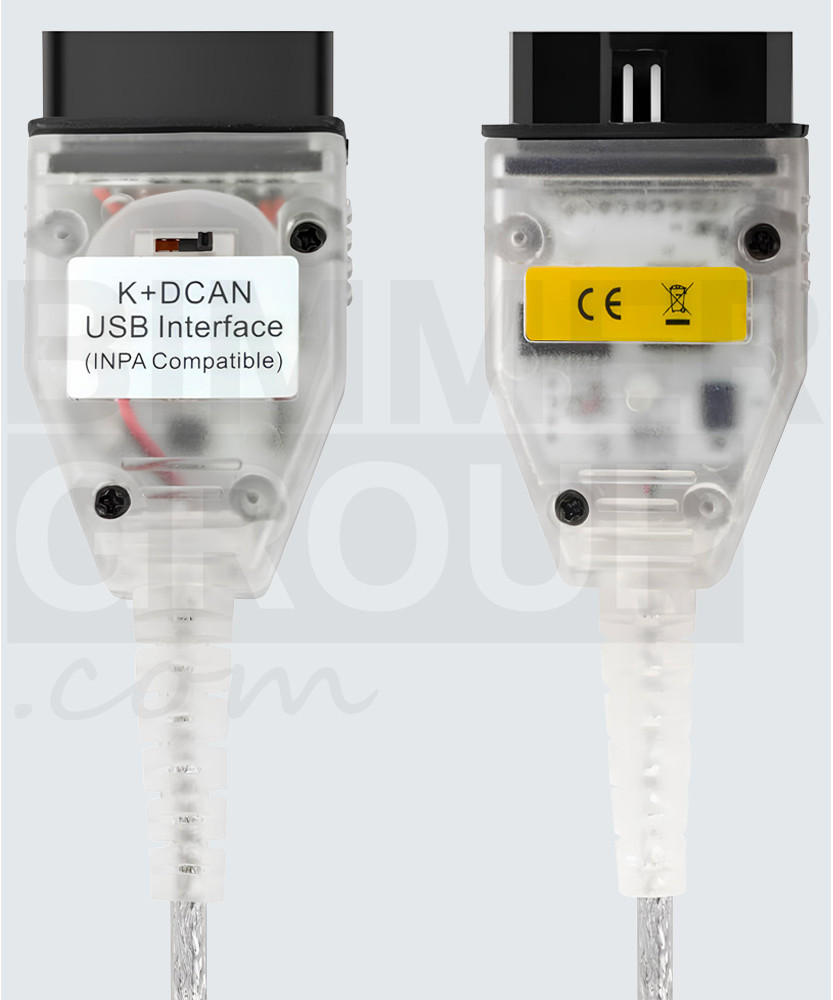
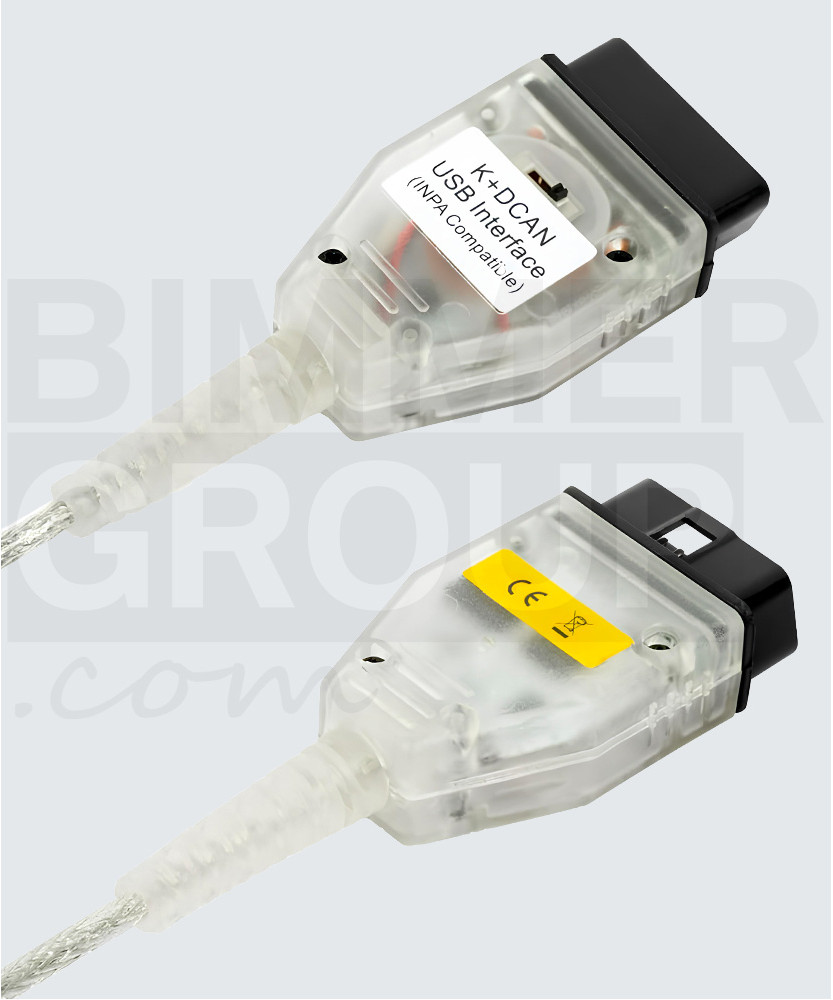
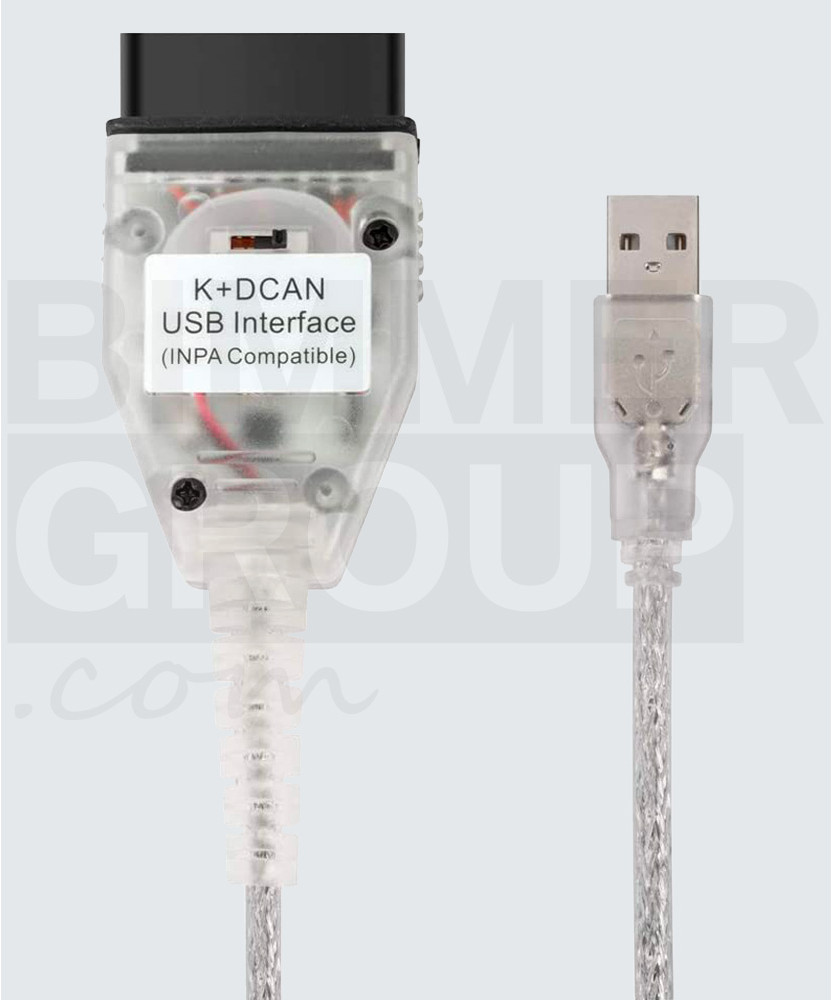
OBD2 cable (K+DCAN)
- Ex Tax:39.89€


- For vehicles with a round OBD1 connector under the bonnet, add an OBD1 adapter to your cart.
- For devices without a USB-A port, add a USB-C adapter to your cart.
K+DCAN cable for BMW diagnostics and coding
Compatible with both older and newer BMW models thanks to the built-in 2-in-1 switch for K-LINE and DCAN.
One solution for BMW vehicles from 1996 to 2018.
Why choose the K+DCAN cable?
The K+DCAN cable is one of the most popular and trusted solutions for BMW diagnostics, coding, service functions and programming. Its key advantage is the 2-in-1 switch, allowing use with both older K-LINE vehicles and newer DCAN models. This means greater compatibility, more flexibility and one reliable tool for a wide range of BMW vehicles.
K+DCAN cable advantages
- 2-in-1 switch for K-LINE and DCAN
- wide compatibility with BMW vehicles 1996–2018
- stable USB connection without interruptions
- supports diagnostics, coding and programming
- high-quality FTDI chip for reliable communication
Who is it for?
- BMW enthusiasts and home users
- technicians and workshops
- coding hidden features
- fault diagnostics and servicing
- users of OEM BMW software
Key benefits
2-in-1 solution
One tool for both older K-LINE and newer DCAN BMW models. Quick switching via the built-in toggle.
Reliable connection
USB connection and a high-quality FTDI chip ensure stable communication with the vehicle for diagnostics, coding and programming.
Wide compatibility
Supports commonly used BMW software such as INPA, ISTA, NCS Expert, Tool32, WinKFP and more.
How does the 2-in-1 switch work?
The K+DCAN cable features a built-in switch that allows you to toggle between two operating modes:
K-LINE – left switch position
Designed for older BMW models, model years 1996 to 2007, using K-LINE communication. The switch bridges pins 7 and 8 to enable communication with all modules in older vehicles.
DCAN – right switch position
Designed for newer BMW models, model years 2007 to 2018, using DCAN communication. The cable uses a standard CAN connection (via pins 6 and 14), without bridging pins 7 and 8.
Which vehicles is it compatible with?
The K+DCAN cable is intended for BMW and MINI models that use K-LINE or DCAN communication. It is ideal for diagnostics, coding, servicing and module programming. Supports both original BMW tools and aftermarket solutions.
Supported platforms
- BMW: E Series (1996-2018)
- MINI: R Series (2001-2016)
K-LINE (left switch position):
- 1 Series: E81/E82/E87/E88 up to 03/2007
- 3 Series: E30, E36, E46, E90/E91/E92/E93 up to 03/2007
- 5 Series: E34, E39, E60/E61 up to 03/2007
- 6 Series: E63/E64 up to 03/2007
- 7 Series: E32, E38, E65/E66/E67/E68 up to 03/2007
- 8 Series: E31
- X3: E83 up to 03/2007
- X5: E53, E70 up to 03/2007
- Z3: E36/E37/E38
- Z4: E85/E86 up to 03/2007
- Z8: E52
- BMW motorcycles
K+DCAN (right switch position):
- 1 Series: E81/E82/E87/E88 from 03/2007
- 3 Series: E90/E91/E92/E93 from 03/2007
- 5 Series: E60/E61 from 03/2007
- 6 Series: E63/E64 from 03/2007
- X3: E83 from 09/2006
- X5: E70 from 03/2007
- X6: E71
- Z4: E85/E86 from 03/2007, E89
- MINI: R50, R52, R53, R55, R56, R57, R58, R59, R60, R61
Technical details
- Cable type: K+DCAN USB OBD2 diagnostic cable
- Chip: FTDI FT232RQ
- Connector 1: USB-A
- Connector 2: OBD2 16-pin
- Operating mode: K-LINE / DCAN via 2-in-1 switch
- Purpose: diagnostics, coding, programming, service functions
- Operating systems: Windows XP / 7 / 8 / 10 / 11 (depending on software)
Software compatibility
The K+DCAN cable supports a wide range of BMW software for diagnostics, coding, programming and service functions. This makes it an excellent choice for users who want to work with proven OEM and advanced BMW tools.
Key functions
Device compatibility
The cable can be used with devices that support USB connectivity or via a USB-C adapter.
Windows
Full compatibility with all major diagnostic software (INPA, NCS Expert, ISTA, etc.).
macOS
Usage is possible, but typically requires a Windows virtual environment (e.g. Parallels or Boot Camp), depending on the selected software.
Linux
Support depends on the software used; in most cases a Windows virtual environment (e.g. VirtualBox) is required.
Plug-&-play solution
Windows will automatically detect and install the driver upon first connection if **Windows Update** is enabled. Otherwise, download the latest **FTDI VCP driver** from the official FTDI website (ftdichip.com/drivers/vcp-drivers).
- Plug the OBD2 connector into the vehicle.
- Connect the USB cable to your computer.
- Set the switch to the appropriate mode (K-LINE or DCAN) depending on the vehicle.
- Launch your chosen diagnostic software.
- Establish a connection with the vehicle and begin diagnostics or coding.

OBD1 to OBD2 converter
14.89€ Ex Tax: 14.89€

ENET cable
19.89€ Ex Tax: 19.89€

Ethernet to USB-C Adapter
9.89€ Ex Tax: 9.89€

USB-A to USB-C Adapter
5.89€ Ex Tax: 5.89€